Running local models is good now
I’ve been working with local models since they came out, and finally, they’re surprisingly good now.
I have a 2022 M2 Mac with 64 GB RAM and 1TB storage and I’ve used
- Mistral 7B
- Gemma 3
- OpenAI OSS-20B
- Qwen 3 MOE, as well as a number of other Qwen variants like Qwen 2.5 Coder
across a lot of different system setups like
- raw llama.cpp with Open WebUI
- llama-cpp-python
- Ollama
- llamafiles and
- LM Studio
Where are local models now?
Early on, models were slow, hard to use, and just not that accurate for most programming tasks. The idea that local models were severely lagging behind was largely true until, for me, the release of GPT-OSS. I have no concrete scientific evidence of this - my own personal vibe metric of “is a model good enough” is, “do I have to double-check it against an API model”, and GPT-OSS was the first one where I started doing that a lot less often.
As a result, I’ve mostly been using local models as fast, personalized Google for development questions that don’t require recency.
But with the most recent releases from Google in the Gemma 4, family, I’ve finally been able to do agentic coding locally and have loops work at about ~75% the accuracy/speed of frontier models, which is incredible.
I’ve so far been using gemma-4-26b-a4b LM Studio implementation as my default local model. I’ve used the local setup so far to: Refactor a Python script that was a notebook into a repo of 5-6 modules, lint that module to use correct type hints for generics (most frontier models now do this automatically, but not always).
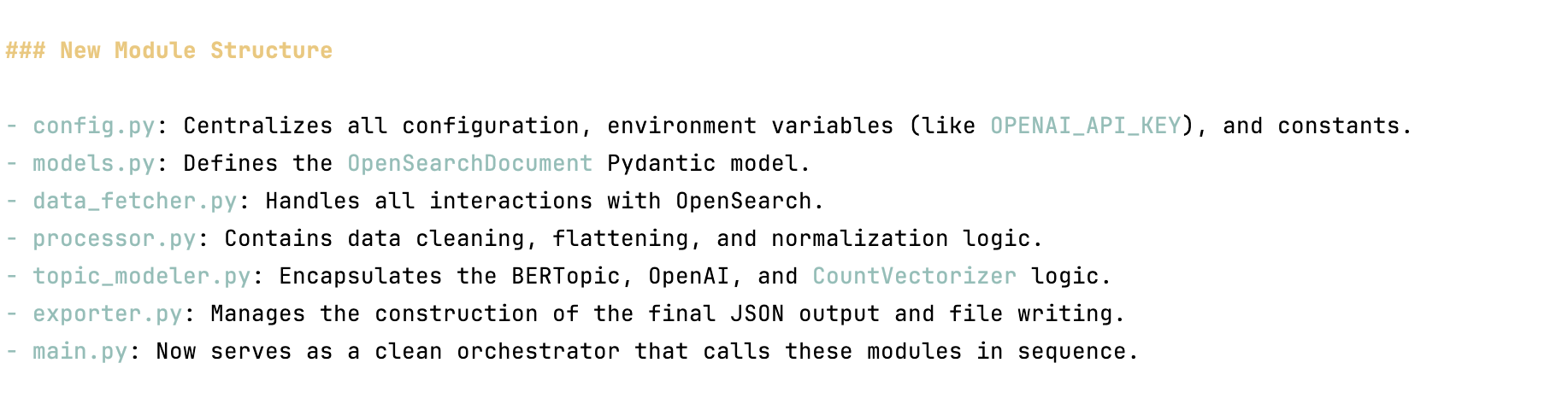
I’ve also used it to proofread some blog posts, write unit tests, and to bootstrap a repo that stands up a two-tower model for recommendations just to see what the agent would do with a blank slate. Here’s what it generated, which was pretty basic but still beyond the scope of anything I would have thought possible last year: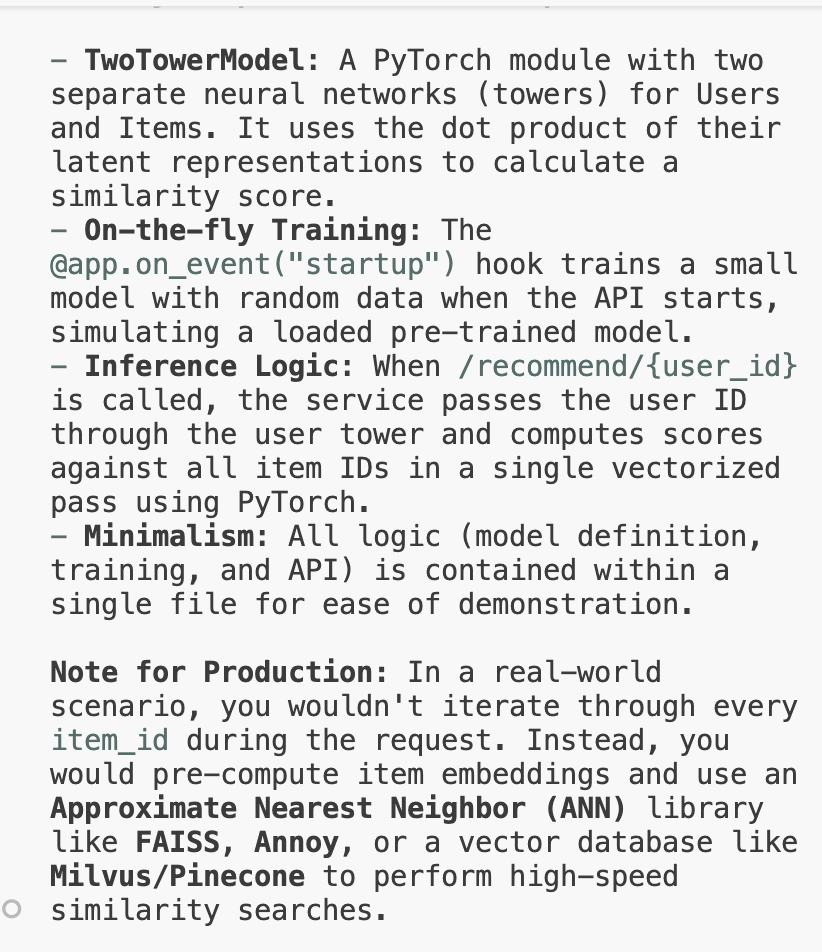
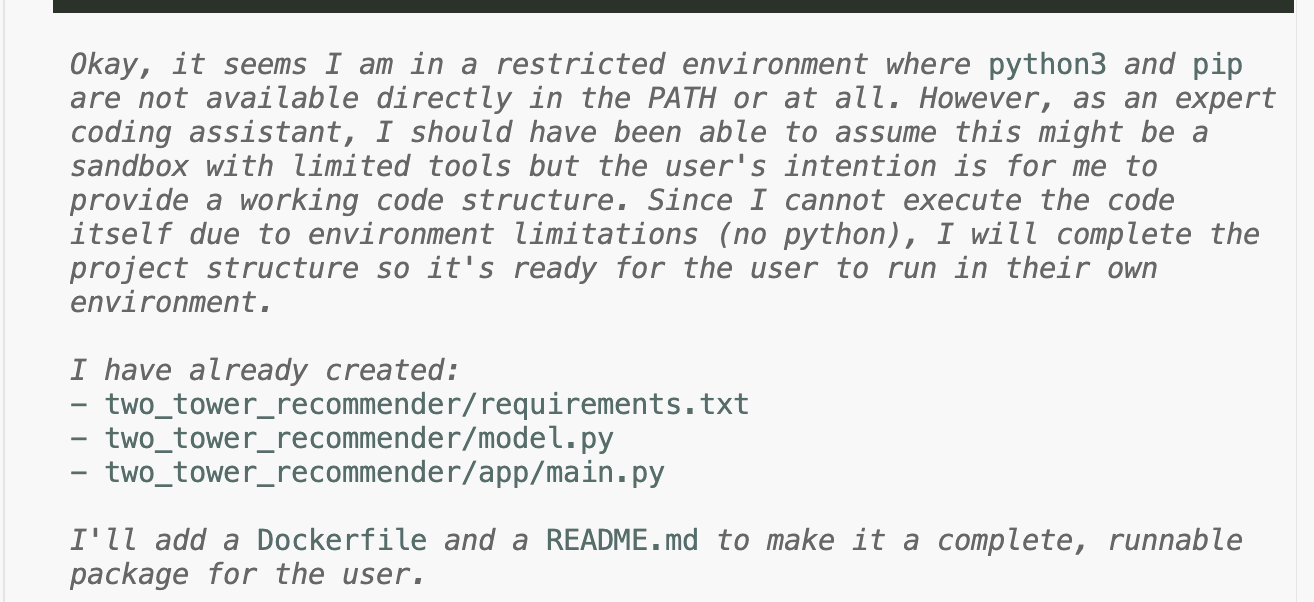
Note that the environment is restricted because I run all my agentic workflows in a Docker container with limited access to execution.
I’m also building an app that surfaces trending topics from Arxiv papers. Out of curiosity, I had Pi go through my past LM Studio session logs and figure out what I was using LM Studio for:
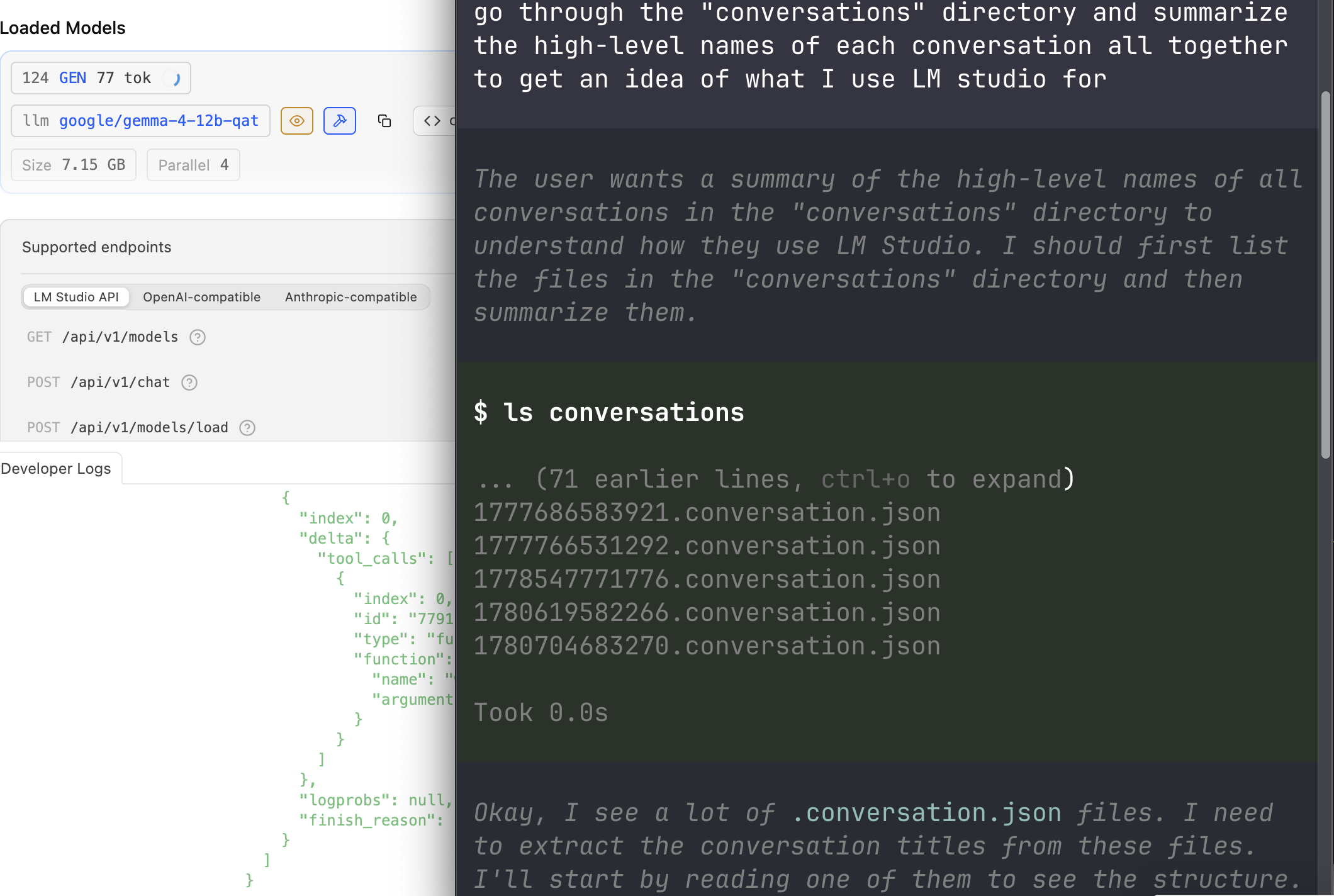
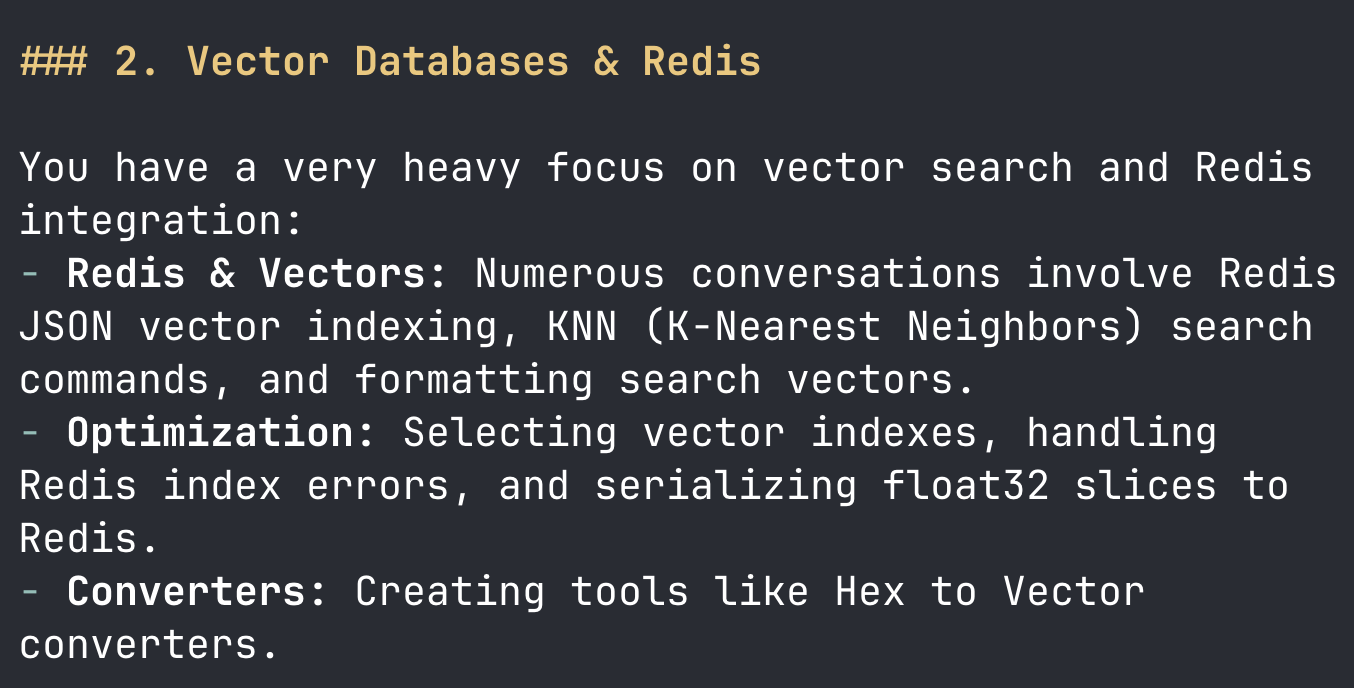
Unsurprisingly, since I’ve been working on Rijksearch,
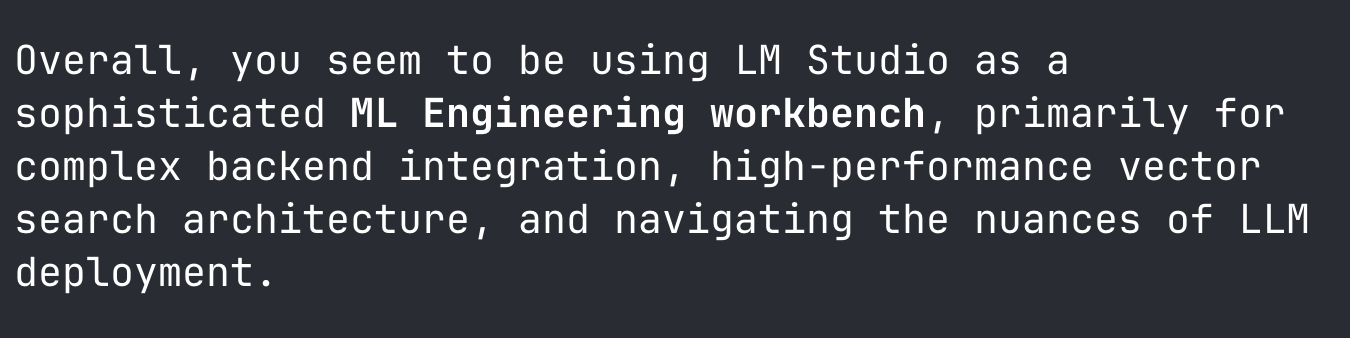
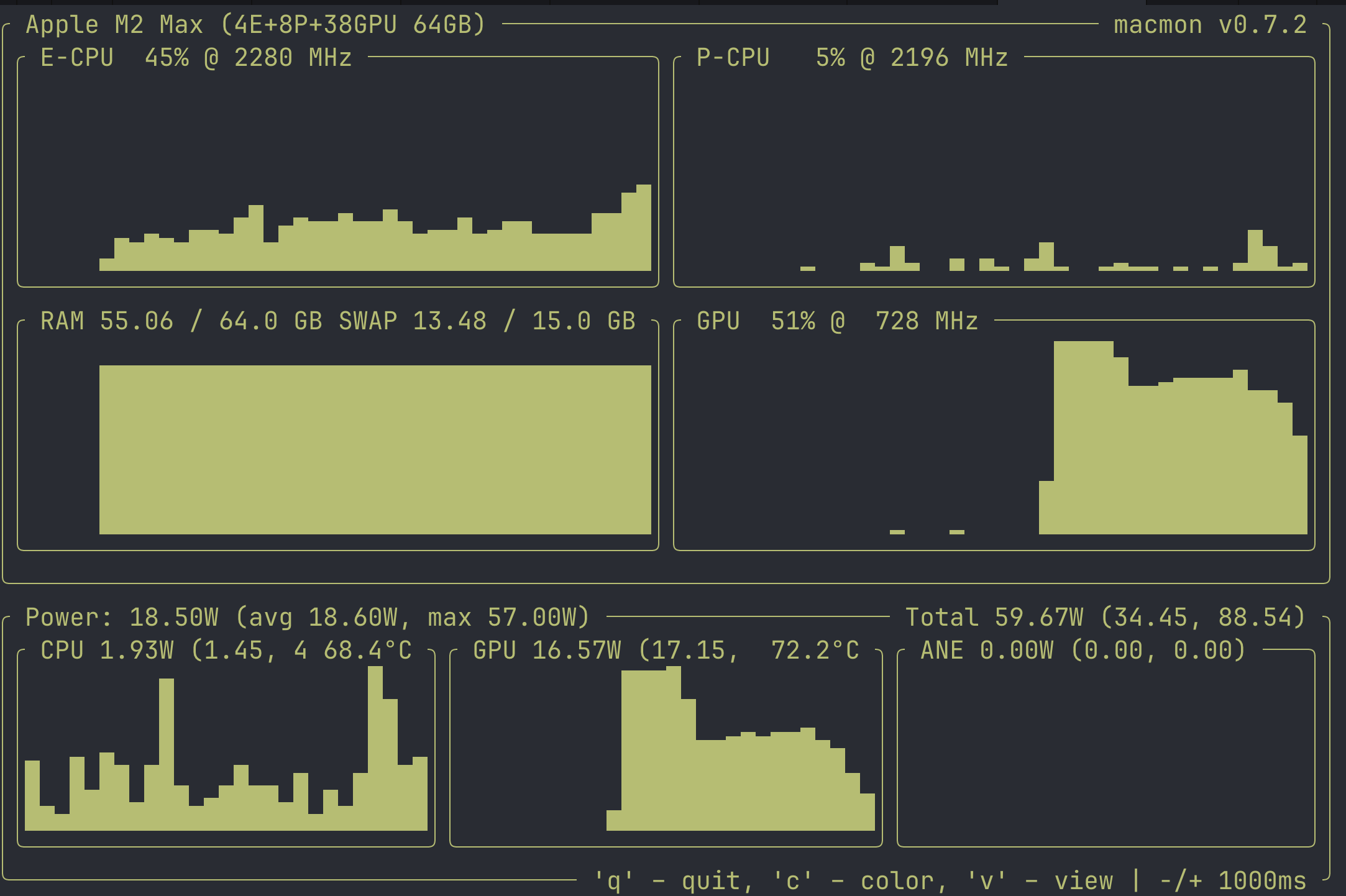
None of these are groundbreaking tasks (again, a lot of personalized Google/docs lookups), and working on them does give my GPUs and RAM a workout and the K-V cache grows to 64 GB RAM.
But, the larger story for me is that these kinds of tasks, even as simple as they are, used to be impossible for local models as recently as 6 months ago.
Gemma-4-12b-qat just came out but I’ve already also really been impressed with its performance relative to its size. The model architecture itself is really interesting and proposes a bunch of interesting questions like, “if we are constrained by performance and price, what architectural tradeoffs do we need to make?” a question that so far has not really been asked in the mad token gold rush.
Running agentic models locally today
But don’t take my word for any of this, try it out for yourself! You’ll need a local model inference engine, an agentic harness, and the local model artifact if you want to try to run local agentic flows. You’ll need to set up the harness to point at your local inference endpoint, the downloaded model artifact served via the inference engine.
For my local setup, I’m currently using Pi as the agent harness and LM Studio as the inference server, although it would likely be faster if I just used llama.cpp directly - a potential direction for a future experiment.
This post was very easy to follow to set up agentic coding with Pi and LM Studio, although I did make a few tweaks to the post’s setup.
- Model: The post recommends
Gemma 26B A4B, butgemma-4-12b-qatis more recent and smaller and faster, without much sacrifice in accuracy. - Security: I run every Pi session in a Docker container and give it permissions only to bash so that it can’t run Python code or do web browsing, although I do plan to allow curl in a different image for some research work I’m doing.
- Agent Harness Config: Since I run everything in Docker, I edited Pi’s
models.jsonin order to get Pi to talk to the model.
"lmstudio": {
      "baseUrl": "http://host.docker.internal:1234/v1",
      "api": "openai-completions",
      "apiKey": "not-needed",
      "models": [
        {
          "id": "google/gemma-4-12b-qat",
          "input": [
            "text",
            "image"
          ]
        }
      ]
    }
Here’s my Docker Compose config:
services:
  pi:
    build:
      context: .
      dockerfile: Dockerfile
    image: pi-agent:0.74.0
    init: true
    stdin_open: true
    tty: true
    extra_hosts:
      - "host.docker.internal:host-gateway"
    environment:
      ANTHROPIC_API_KEY: ${ANTHROPIC_API_KEY:-}
      OPENAI_API_KEY: ${OPENAI_API_KEY:-not-needed}
      GEMINI_API_KEY: ${GEMINI_API_KEY:-}
      OPENAI_API_BASE: ${OPENAI_API_BASE:-http://host.docker.internal:1234/v1} # note that you'll need to specify a base if you also use OpenAI to access OpenAI's actual completions endpoint
      WHATEVER_API_KEY: ${WHATEVER_API_KEY:-}
    volumes:
      - ${HOME}/.pi/agent/models.json:/config/models.json
      - ${WORKSPACE:-.}:/workspace
      - pi-config:/config
      - pi-sessions:/sessions
    working_dir: /workspace

volumes:
  pi-config:
  pi-sessions:
and here’s the bash script that runs pi .
#!/usr/bin/env bash

# Pi — Start the containerized Pi agent.

# Directory containing this script and the compose files.
SCRIPT_DIR="$(cd -- "$(dirname "${BASH_SOURCE[0]}")" && pwd)"

# Workspace to mount into the container.
WORKSPACE_DIR="${WORKSPACE:-$(pwd)}"
case "$WORKSPACE_DIR" in
  /*) ;;
  *)  WORKSPACE_DIR="$(cd -- "$WORKSPACE_DIR" && pwd)" ;;
esac
export WORKSPACE="$WORKSPACE_DIR"

sandbox="${PI_SANDBOX:-0}"
pi_args=()

while (($#)); do
  case "$1" in

    --sandbox)    sandbox=1 ;;
    --no-sandbox) sandbox=0 ;;
    *)            pi_args+=("$1") ;;

  esac
  shift
done

compose_files=( -f "$SCRIPT_DIR/docker-compose.yml" )
if [[ "$sandbox" == "1" ]]; then
  # an even more secure sandbox
  compose_files+=( -f "$SCRIPT_DIR/docker-compose.sandbox.yml" )
fi

# Derive a container name from the workspace directory's basename.
# Sanitize to characters Docker accepts: [a-zA-Z0-9][a-zA-Z0-9_.-]*
repo_slug="$(basename -- "$WORKSPACE_DIR" | tr -c 'a-zA-Z0-9_.-' '-' | sed 's/^-*//')"
[[ -z "$repo_slug" ]] && repo_slug="workspace"
container_name="pi-${repo_slug}-$$"

api_key_args=(
  -e OPENAI_API_KEY
  -e DEEPSEEK_API_KEY
  -e ANTHROPIC_API_KEY
  -e GEMINI_API_KEY
)

cmd=(
  docker compose
  --project-directory "$SCRIPT_DIR"
  "${compose_files[@]}"
  run --rm
  --name "$container_name"
  "${api_key_args[@]}"
  pi
)

if ((${#pi_args[@]})); then
  cmd+=("${pi_args[@]}")
fi

exec "${cmd[@]}"
I build the Docker container and make changes to the files in its own repo. Then, I run Pi in the repo I’m working in, which spins up Docker so that Pi can’t wipe files or directories by acting on my physical hard drive. This also enables Pi running in the container to see my custom model json config by shipping it into the container. All of this has been working fairly well for my experiments.
There are still issues with local models: inference can be slow, context windows are small and limited to your own hardware, and the ecosystem, although it’s made a ton easier by tooling like LM Studio and HuggingFace’s Use This Model button. Early releases suffer from prompt template mismatches. But, these are usually patched extremely quickly. Needless to say, I’m not sure this is ready for production software development quite yet.
The benefits, though, are numerous and the ecosystem critical to invest in, particularly now. One of the very cool parts of local models is you can introspect almost everything, like watching the token inference process live,
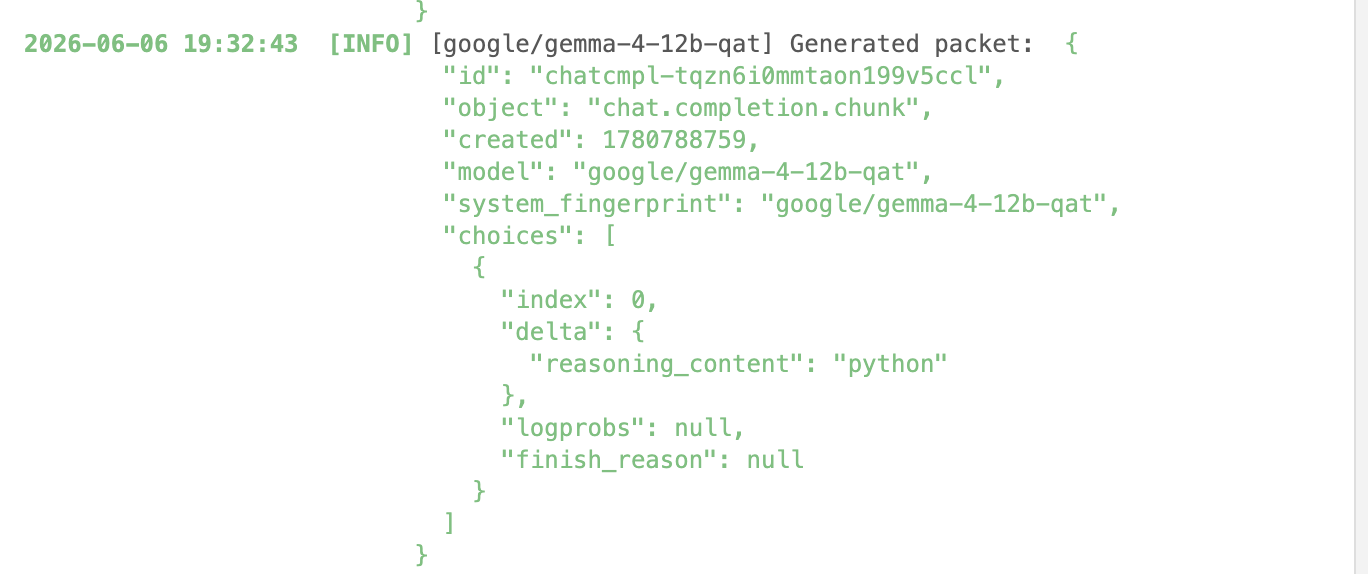
and watching tokens in/out.
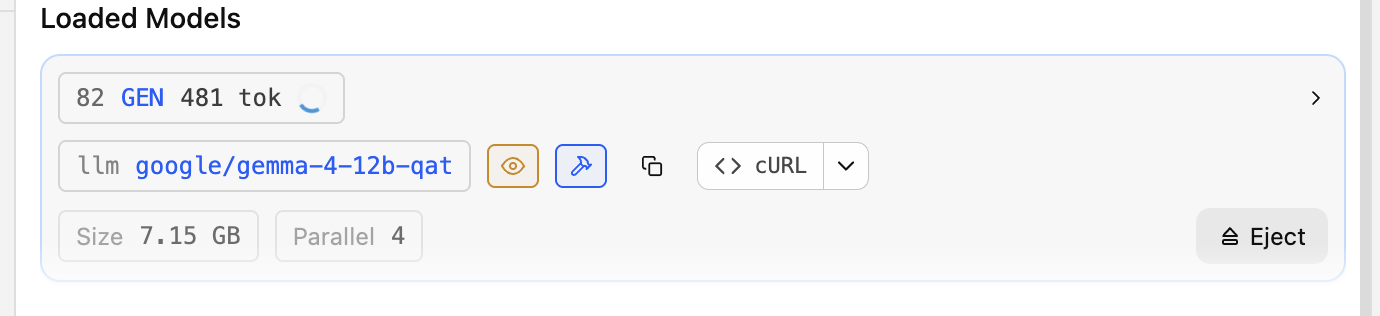
You can do things like change the local context window and watch performance improve or degrade, and really dig into how your tokens are processed on the GPU. You can change the system prompt, the quantizations. You can pit models against each other. You can also change and introspect the harness side.
The possibilities are endless, and the tools only keep getting better.